



Simple Operation with Your Fingers
Motion Sensor
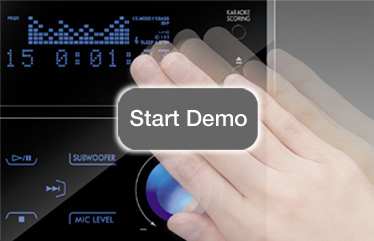
The Motion Sensor detects an approaching hand and turns on the touch panel illuminations.
The Motion Sensor detects an approaching hand and turns on the touch panel illuminations.
Touch Panel Operation
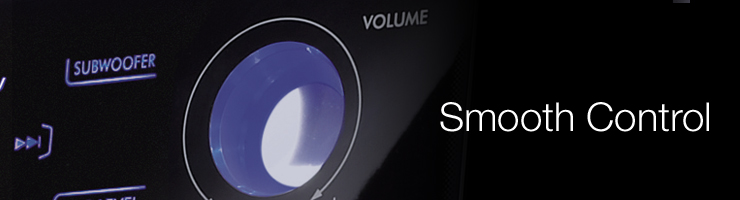
You can easily skip songs or adjust the volume with smooth strokes on the touch panel.
You can easily skip songs or adjust the volume with smooth strokes on the touch panel.
Demo Steps

Move the hand with your mouse.
Click on ″Play".
Turn the volume control.